

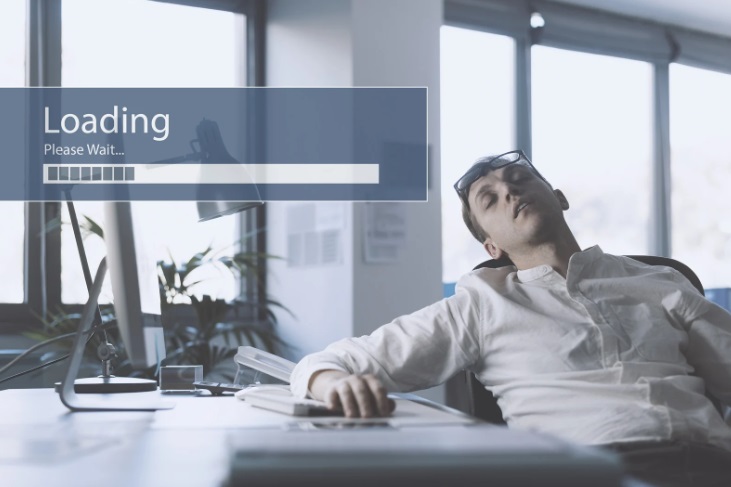
Few things are more frustrating than a slow laptop, especially when you're trying to get work done or attend an important online meeting. If your laptop has become sluggish over time, don’t rush to replace it—many speed issues can be resolved with simple fixes or minor upgrades. In this post, we’ll explore the most common reasons behind a slow laptop and how to fix them.
1. Too Many Background Programs
When multiple programs run in the background, they consume valuable system resources—RAM, CPU, and storage. Startup programs like chat apps, cloud sync tools, and software updaters can slow your laptop down.
Fix:
Open Task Manager (Ctrl + Shift + Esc on Windows) to see what’s running and disable unnecessary startup apps. On Mac, use Activity Monitor to review running processes.
2. Limited RAM
Random Access Memory (RAM) plays a key role in how many tasks your laptop can handle at once. If your device has less than 8GB of RAM, it may struggle with modern applications and multitasking.
Fix:
Consider upgrading your RAM if possible. Many laptops allow RAM upgrades, especially older models. If not, keep fewer programs open at once.
3. Old or Failing Hard Drive
Traditional hard drives (HDDs) slow down over time, especially as they fill up. A failing HDD can also lead to performance lags and data loss.
Fix:
Upgrade to a Solid State Drive (SSD). SSDs are significantly faster and can breathe new life into an older laptop.
4. Malware or Bloatware
Viruses, spyware, and unnecessary software can eat up system resources without your knowledge, causing slowdowns.
Fix:
Run a full system scan using reliable antivirus software. Also, remove trial software or manufacturer-installed apps you don’t use.
5. Outdated Software or Drivers
Running outdated operating systems or device drivers can cause compatibility and performance issues.
Fix:
Ensure your system, drivers, and applications are up to date. Windows and macOS both offer automatic updates—make sure they’re enabled.
Final Thoughts
A slow laptop doesn’t always mean it’s time to buy a new one. Identifying the root cause—whether it’s limited memory, outdated software, or malware—can help restore your laptop’s performance. If you're unsure what’s causing the lag, a professional technician can run diagnostics and suggest the best solution.